Delete Your Milo App Account
If you want to delete your Milo app account, you can email us at support@miloapp.in
If you still have access to Milo, please follow these steps to delete your account:
- Launch the Milo app on your device
- Open the Profile page by tapping on your profile picture in the bottom right corner
- Tap the Gear Icon at the top right hand corner
- Tap "Delete Account"
- Follow the prompts on screen to request to delete your Milo app account
- All information regarding your account including registered email address, username, profile, game history and message history will be deleted permanently
Step-by-Step Visual Guide
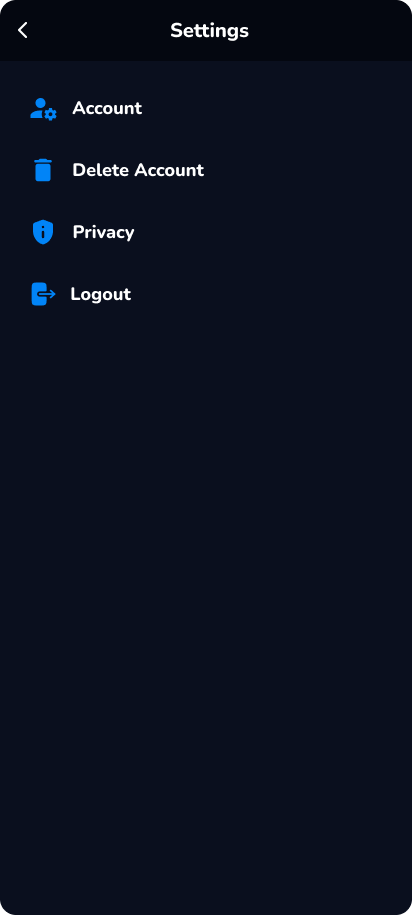
Step 1: Launch Milo app
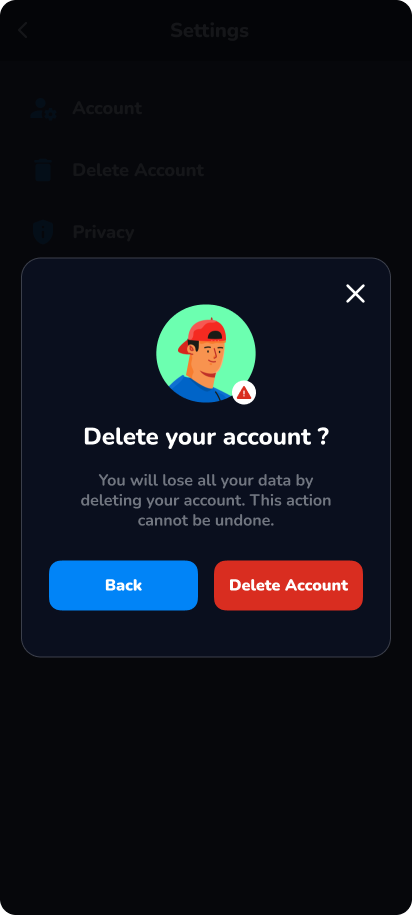
Step 2: Navigate to Profile and Settings
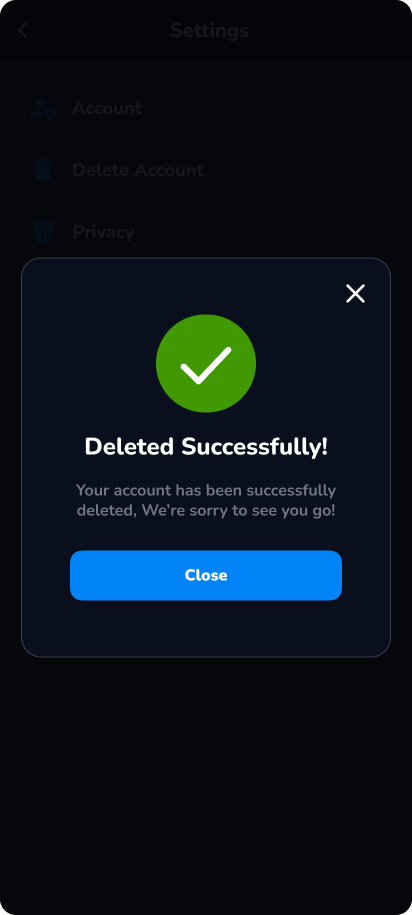
Step 3: Delete Account
⚠️ Warning: Account deletion is permanent and cannot be undone. All your data will be lost.